
How To Build an Ecommerce Website Without Coding
Published By
Siyahfy| on
2026-08-17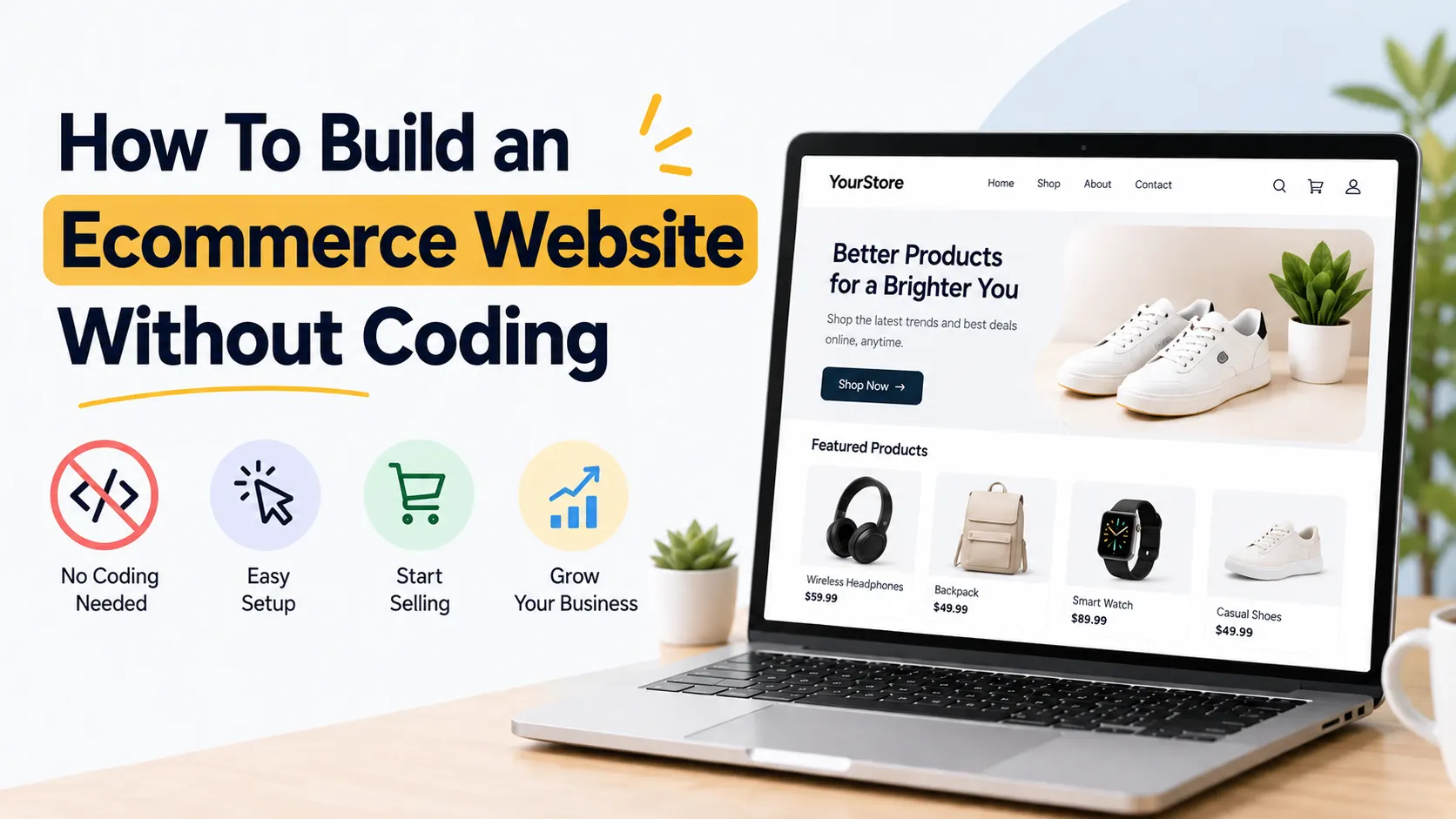
- Can You Build an Ecommerce Website Without Coding?
- A Simple Framework for Building Your Ecommerce Website
- 1. Decide What Your Online Store Needs
- 2. Choose a No-Code Ecommerce Website Builder
- 3. Choose Your Domain and Store Design
- 4. Add Products With Complete Information
- 5. Set Up Payments, Shipping and Checkout
- 6. Make Your Ecommerce Website SEO-Friendly
- 7. Test Everything Before You Launch
- What Should You Do After Launch?
- Conclusion
Building an ecommerce website traditionally required developers and technologies like React, Next.js, Node.js, APIs, and databases. No-code ecommerce builders make it much easier to launch and manage an online store without coding.
No-code ecommerce platforms allow business owners to create an online store using ready-made themes, visual editors, product management tools, payment integrations, and shipping settings. You can manage most of the store without writing a single line of code.
Whether you sell clothing, beauty products, electronics, handmade goods, food products, or home decor, the basic process remains the same.
Can You Build an Ecommerce Website Without Coding?
Yes. You can build a complete ecommerce website without coding by using a no-code ecommerce website builder.
These platforms usually provide the main features required to run an online store, including product pages, shopping carts, checkout, inventory management, order tracking, payment options, shipping settings, discount codes, and basic SEO controls.
For example, a small clothing business can upload product photos, add sizes and prices, connect a payment gateway, configure delivery options, and start accepting orders without developing these features from scratch.
The important part is choosing a platform that gives you enough control as the business grows.
A Simple Framework for Building Your Ecommerce Website
Instead of starting with design, follow this simple framework:
Plan → Build → Configure → Test → Launch → Improve
This keeps the process organised and prevents common problems such as creating too many unnecessary pages or launching a store with a complicated checkout process.
1. Decide What Your Online Store Needs
Start by defining what you are going to sell and how customers will buy it.
Consider your number of products, product categories, target locations, payment methods, shipping requirements, inventory, and expected order volume.
For example, a Mumbai-based fashion brand selling across India may need UPI, cards, and other suitable online payment options, along with shipping rules for different locations.
A business selling internationally may additionally need multi-currency support, international shipping, and location-based settings.
Knowing these requirements before choosing your platform can save you from migrating the entire store later.
2. Choose a No-Code Ecommerce Website Builder
Your ecommerce platform is the foundation of your store, so don’t choose one based only on attractive templates.
Look for an ecommerce website builder like Siyahfy, a no-code ecommerce website builder, that supports product and inventory management, secure checkout, payment gateway integrations, mobile-responsive pages, shipping options, analytics, and SEO settings.
Also check whether Siyahfy or any similar platform can handle more products, customers, and orders as your business grows.
The goal is not simply to create a website. You need a system that can support day-to-day ecommerce operations.
3. Choose Your Domain and Store Design
Your domain name should ideally be short, easy to remember, and closely connected to your business.
Once the domain is ready, choose a clean ecommerce theme.
You don’t need a complicated design. Customers should immediately understand what you sell and where they need to click.
Your homepage should guide visitors towards important categories or products. Keep navigation simple and make search, cart, and checkout easy to find.
Mobile experience is especially important. Statcounter reported that mobile devices generated roughly 60% of worldwide web traffic during parts of 2025, so designing only for desktop can create a poor shopping experience for a large share of visitors.
4. Add Products With Complete Information
A good product page does more than display a photo and price.
Add a clear product name, useful description, price, variants, availability information, multiple high-quality images, and relevant specifications.
Suppose you sell running shoes. Instead of writing:
“Premium running shoes available online.”
Provide information shoppers actually need, such as material, available sizes, fit, sole type, ideal use, and care instructions.
Detailed product information also gives search engines more context about your pages and can help them understand relevant entities and search intent.
5. Set Up Payments, Shipping and Checkout
Before launching, configure how customers will pay and receive their orders.
Depending on your target market and payment provider, your store may support options such as UPI, cards, wallets, or other payment methods.
Then configure shipping charges, delivery locations, and any free-shipping rules you offer.
Keep checkout simple. Avoid asking customers for information you don’t actually need.
A customer who has decided to purchase should have a clear path from Add to Cart → Checkout → Payment → Order Confirmation.
6. Make Your Ecommerce Website SEO-Friendly
SEO should be considered while building the store, not after launch.
Create descriptive URLs, unique title tags and meta descriptions, useful category content, product descriptions, image alt text, and logical internal links.
For example:
Poor URL:
/product?id=458
Better URL:
/mens-running-shoes
Use relevant structured data where appropriate, such as Product, Offer, and Breadcrumb markup. This can help search engines understand information such as your product, price, availability, and page hierarchy.
Don’t create dozens of pages just to repeat similar keywords. Focus on useful pages that match real customer searches.
7. Test Everything Before You Launch
Place a test order before making your store public.
Check the website on desktop and mobile. Test product variants, cart functions, payment flow, shipping charges, forms, confirmation messages, and important links.
You should also review page performance and Core Web Vitals. Google recommends aiming for a Largest Contentful Paint (LCP) of 2.5 seconds or less, Interaction to Next Paint (INP) below 200 milliseconds, and Cumulative Layout Shift (CLS) below 0.1 at the 75th percentile.
What Should You Do After Launch?
Launching your ecommerce website is only the beginning.
Monitor which products receive traffic, where visitors leave the website, which pages generate sales, and which search queries bring potential customers.
Use this information to improve product pages, navigation, content, site speed, and checkout.
No-code doesn’t mean no optimisation. The strongest online stores keep improving based on real customer behaviour.
Conclusion
You don’t need to become a developer to start selling online.
Start with your business requirements, choose the right ecommerce website builder, create a simple shopping experience, add useful product information, and configure payments and shipping carefully.
Then focus on SEO, performance, and regular optimisation.
The technology has become easier. What matters now is building an ecommerce website that makes it easy for people to find your products, trust your business, and complete their purchase.


